Signatures Acrobat recognizes
Acrobat's signature panel shows your name, the signing time and that the document has not been modified.
Cert Sign
Your certificate, your iPhone, done in a minute. Import your .p12 or .pfx once, place a visible signature anywhere on the page, and share a signed PDF anyone can verify.
iPhone · iPad · Mac
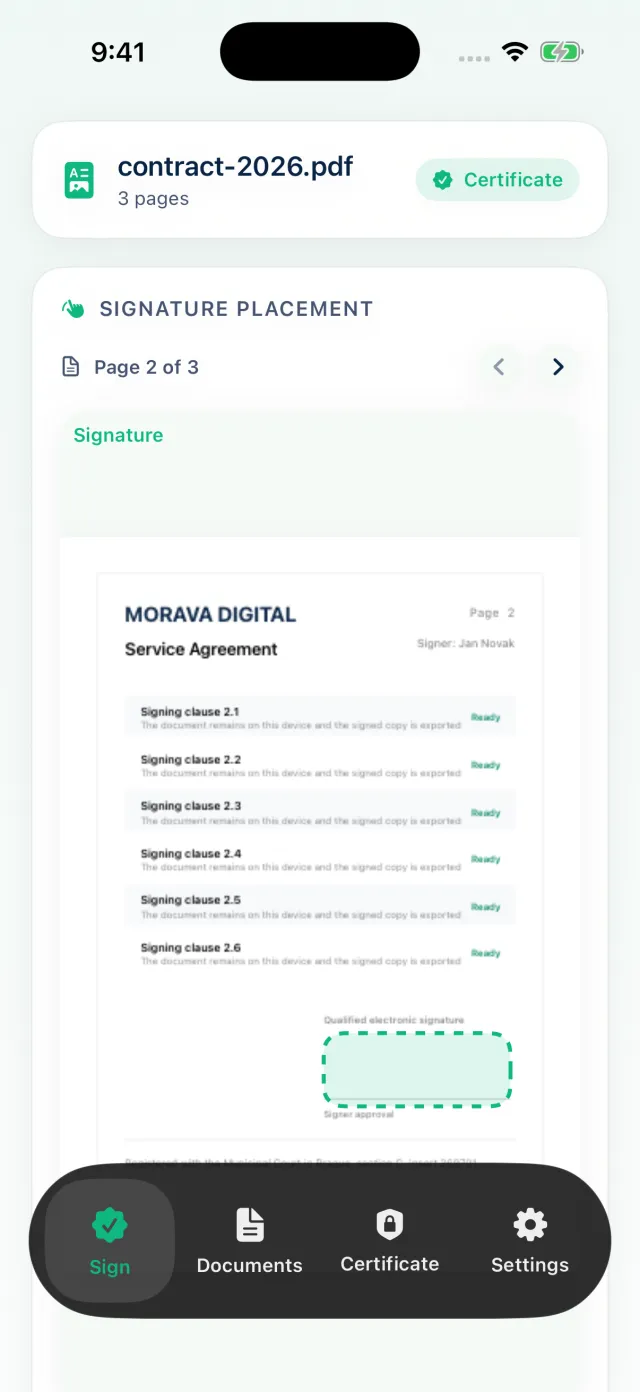
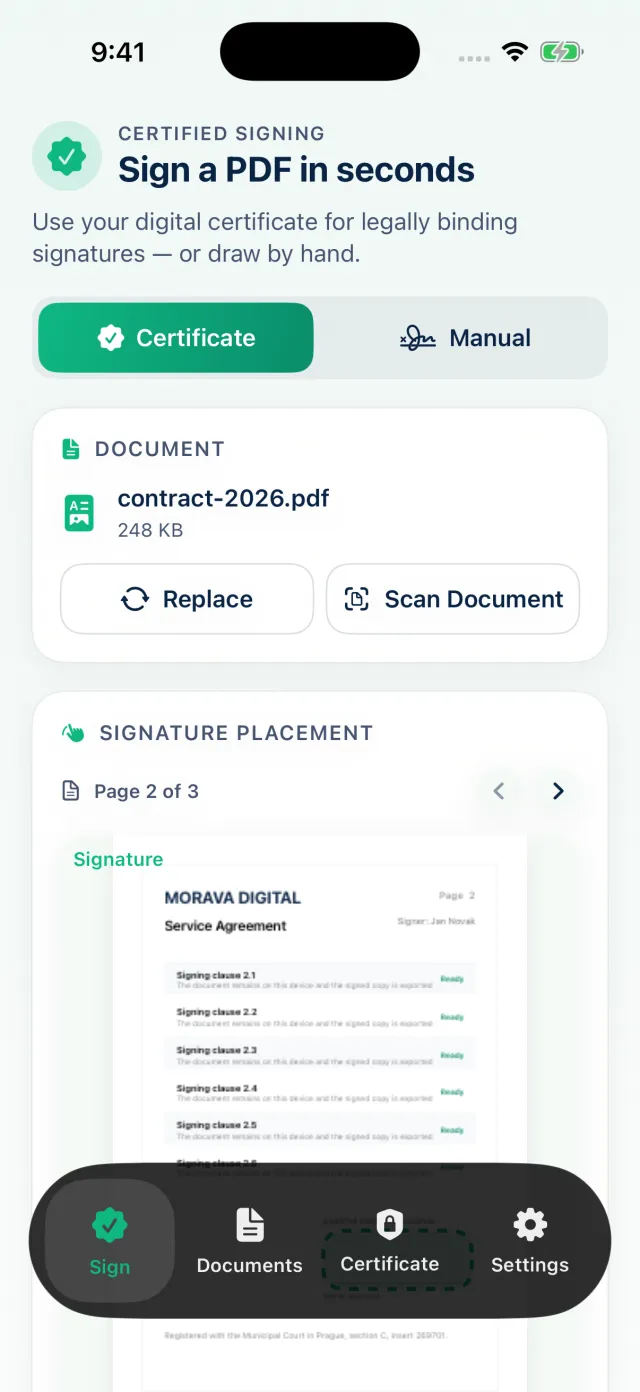
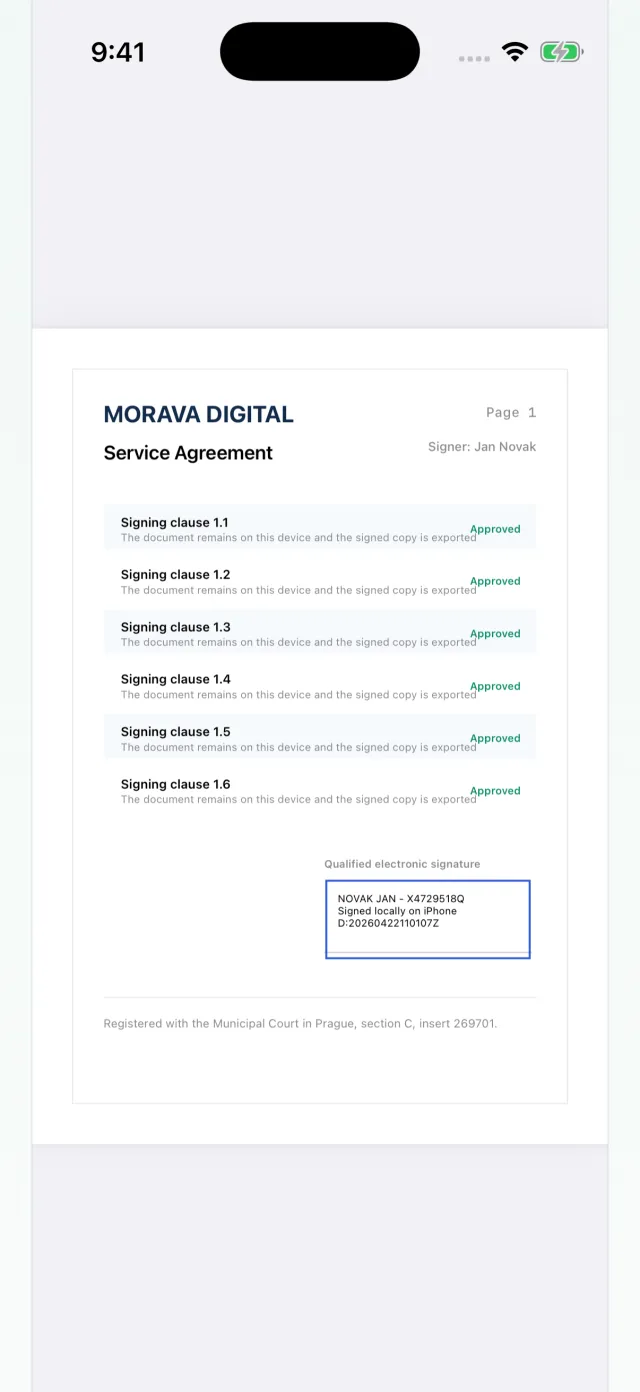
Works with any .p12 or .pfx certificate — if it signs on your computer, it signs here.
The two Acrobat features you need for signed PDFs, on your iPhone, iPad and Mac.
Acrobat's signature panel shows your name, the signing time and that the document has not been modified.
Open any signed PDF and get the same verdict Adobe Acrobat shows: valid, unknown signer or modified. Pro also runs the official EU DSS check.
Adobe and Acrobat are trademarks of Adobe Inc. Cert Sign is not affiliated with Adobe.
Excellent App, Outstanding Developer Support
Cert Sign Pro is an excellent tool for professional PDF digital signatures. It’s reliable, practical, and has become a valuable part of our business workflow. … Also, you gotta love an app that requests no additional data in 2026.
Such a find
The one PDF signing tool I’ve ever needed. No Acrobat B.S., no shady online tools. This works brilliant with my PFX certificate.
Exactly what was missing!
Thanks to the developers for letting me patch the missing functionality between my MacBook and iPad. Simple, elegant, direct, intuitive and above all reliable.
Amazing
I’ve been waiting for this. I really don’t want to pay thousands a year for this feature with my small number of signatures — this is exactly what I was looking for.
PERFECT
I’ve used it a few times and found it great. I was looking for a way to sign from my phone…
Open your .p12 or .pfx file once. The password is kept safe behind Face ID.
Pick a PDF or scan paper, then drag the signature box exactly where it belongs.
Send the signed PDF by mail, Files or AirDrop. The original stays untouched.
Standard PDF digital signatures that Adobe Acrobat and other readers can verify.
Photograph a paper document and sign it a minute later.
Draw your signature or add a company stamp next to the certificate signature.
Certificates and passwords stay in the device keychain, unlocked only by you.
Optionally add an RFC 3161 timestamp that proves when the document was signed.
Documents are signed on your device. No account, no cloud upload.
A personal or company certificate as a .p12 or .pfx file, issued by a certificate authority, for example the one you use for tax or government portals.
Cert Sign creates standard PDF signatures — the same kind Adobe Acrobat makes — that anyone can verify in any PDF reader. Check any signature yourself with the built-in validator, and add a trusted timestamp as proof of exactly when you signed.
No. Signing happens on your device. Optional online features, like trusted timestamps, stay off until you turn them on.
You can sign one document per week for free. Cert Sign Pro unlocks unlimited signing as a weekly, monthly or one-time purchase.
Download Cert Sign and sign your first document today.